
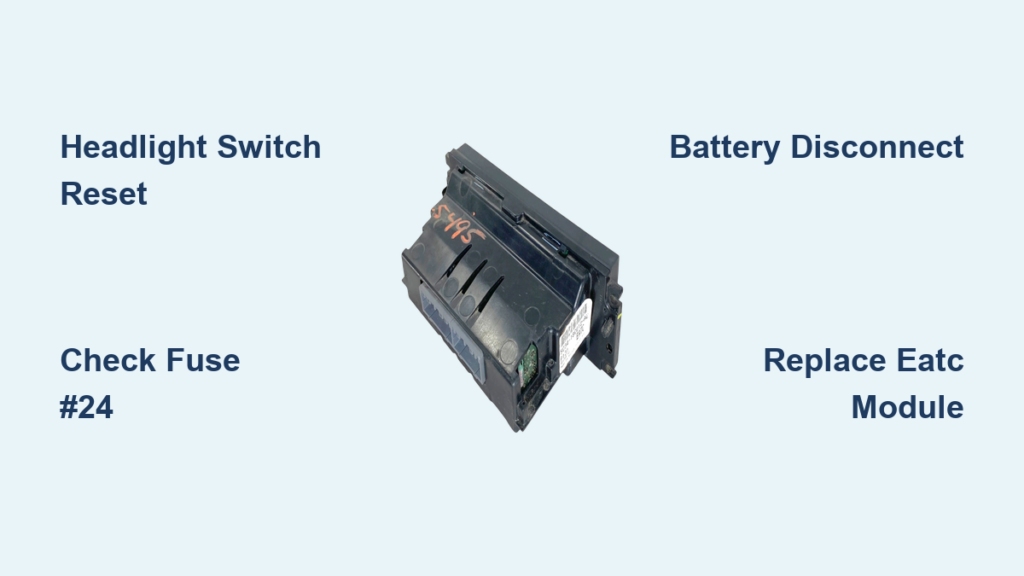
You turn the key in your 2005 Ford F250 and the climate control panel stays completely black. No lights, no response, nothing. This frustrating blank screen is a well-known issue affecting the Electronic Automatic Temperature Control (EATC) module, especially in 4×4 Super Duty models with the Power Stroke Diesel. The system can work perfectly one moment and go dark the next, leaving you stuck without heat or A/C. The good news is that this glitch usually has a simple fix you can do in minutes.
This guide walks you through every proven reset method, from the famous headlight trick to a full battery disconnect. You will also learn when replacement becomes inevitable and how to install a new EATC module yourself.
Decode the Black Screen Symptom
What a Dead EATC Display Means
When your 2005 F250 climate control not working issue shows up as a black, lifeless screen, the problem points directly to the EATC module failing to power up. Unlike older manual HVAC systems with physical knobs and vacuum lines, your truck uses a digital brain to control everything. If the display is dark with the ignition on, the HVAC hardware itself (blower motor, blend doors, compressor) is likely fine. The failure is isolated to the control module’s power or communication state.
Why the Problem Comes and Goes
This issue is rarely a sudden hardware meltdown. It behaves more like a soft failure, often caused by corrupted communication on the vehicle’s data bus or a voltage hiccup inside the module. That is why simple resets can bring the system back online. The EATC module reboots and re-establishes communication without any parts replacement. However, recurring episodes suggest internal degradation. Many owners treat each black screen as a warning that permanent failure is coming.
Headlight Switch Fix That Works
Cycle Headlights to Reset the EATC
The most effective and least invasive fix for 2005 F250 climate control not working is the headlight switch trick. This works because the headlight circuit shares a communication or power path with the EATC module. Toggling it resets the bus or clears a glitch blocking the climate control from initializing.
Step-by-step:
1. Turn the ignition to “On” without starting the engine.
2. Locate the headlight switch on the dash.
3. Switch from “Auto” to “Off,” then back to “Auto” (or “On”).
4. Repeat 2 to 3 times.
5. Watch the EATC display. It should power up within seconds.
This fix has restored function even after the system was dead for two days. Many F250 owners keep this trick memorized for emergencies.
Try the Ignition-Off Variation
If the first method does not work, try this variation:
1. Turn the ignition completely off.
2. Cycle the headlight switch on and off 3 times.
3. Insert the key and turn to “On.”
4. The EATC display often boots normally.
This method triggers a deeper electrical reset, clearing residual power states that prevent the module from waking up.
Check Fuses Without Guessing

Locate the EATC and Blower Fuses
Even if the issue resolves with a reset, inspect the relevant fuses to rule out partial power loss. A blown fuse can mimic EATC failure, but in most cases the fuses are intact. The act of removing and reinserting them can still fix the issue by reseating connections.
Key fuses:
– Fuse #24 (15A): Labeled “EATC” in the fuse box. This powers the climate control module directly.
– Blower Motor Fuse (40A): A high-draw circuit sharing power pathways with the HVAC system.
Pull and Reseat to Reset
Procedure:
1. Open the fuse box (driver’s side dash or engine compartment).
2. Use the fuse puller to remove fuse #24 (15A EATC).
3. Inspect the metal strip for cracks or breaks.
4. Reinsert firmly.
5. Repeat with the 40A blower fuse.
6. Turn ignition on and test the EATC display.
Many users report success after this step, even with good fuses. The physical act of pulling and reseating can clear poor contact in the fuse slot.
Battery Disconnect for Deep Reset

When Simpler Fixes Fail
If the headlight and fuse tricks do not restore your 2005 F250 climate control not working system, a full battery disconnect can force a hard reset of all electronic modules. This clears stored error states and drains capacitors holding corrupted data.
Steps:
1. Turn off the truck and remove the key.
2. Disconnect both battery terminals (negative first, then positive).
3. Wait 30 minutes to ensure all modules fully discharge.
4. Reconnect terminals (positive first, then negative).
5. Turn the ignition to “On.”
The EATC display should now power up. If it does, the issue was a persistent logic lock cleared by the deep reset.
Why Wait 30 Minutes?
Shorter waits of 5 to 10 minutes may not fully discharge the EATC module’s internal capacitors. A 30-minute wait ensures a true cold boot, increasing the chance of success. This method is overkill for minor glitches but effective when other resets fail.
Understand Spontaneous Recovery
Refueling Can Fix It
Some owners report the EATC display coming back to life after refueling. The system was dead, they filled the tank, restarted, and suddenly it worked. While not a reliable fix, this points to the truck’s power management system.
During refueling, the fuel pump primes and the evaporative emissions system runs diagnostics. This triggers a vehicle-wide electrical reset or voltage surge that can inadvertently reboot the EATC module. It is the electrical activity during the cycle, not the fuel itself, that does the trick.
Engine Restart as a Soft Reset
In early stages of the issue, simply turning the truck off and on again may restore function. The EATC module reinitializes during the boot sequence. As the problem worsens, more aggressive resets like headlight cycling become necessary.
Replace the EATC Module Before It Dies

Signs You Need a New Unit
If your 2005 F250 climate control not working issue:
– Requires resets more than once a year
– Takes longer to respond after each fix
– Eventually stops responding to any reset
Then it is time for a replacement. The intermittent black screen is a known precursor to total failure. Once the module dies completely, no amount of fuse pulling or battery disconnecting will bring it back.
OEM vs. Aftermarket Options
- OEM (Dealer): Most reliable but expensive ($300 to $600). May require programming.
- Aftermarket (eBay, RockAuto): Affordable ($100 to $200). Ensure compatibility with 2005 F250 4×4 and EATC system.
- Used or Refurbished: Functional units from salvage yards can work, but test before installation.
Pro Tip: Keep your old module as a backup. The headlight trick might still revive it in a pinch.
Install the New EATC Module
Step-by-Step Replacement
- Disconnect the battery for safety.
- Remove the trim panel around the climate control using a plastic pry tool.
- Unscrew the EATC module mounting screws.
- Unplug the electrical connectors and note their positions.
- Plug in the new module.
- Reinstall screws and trim.
- Reconnect the battery.
- Turn ignition on. The display should light immediately.
No coding is typically required for basic function. Climate settings may reset to default.
Test All Functions
After installation, verify everything works:
– Switch between heat, A/C, and defrost
– Adjust fan speed through all settings
– Set dual-zone temperatures if equipped
– Confirm display brightness adjusts with the dimmer
If the unit powers on but functions erratically, double-check connections or try a different module.
Prevent Future Climate Control Failures
Reduce Electrical Stress
Voltage spikes and dirty power can trigger EATC glitches. To minimize risk:
– Avoid improper jump-starting. Use a battery tender instead.
– Fix alternator issues promptly since overcharging damages electronics.
– Install a surge-protected auxiliary fuse tap when adding accessories.
Keep the Reset Tricks Handy
Even with a new module, future issues are possible. Save this guide or write down the headlight reset steps and keep them in your glovebox. It could save you a tow or a costly unnecessary repair.
Monitor for Early Signs
Watch for these warning signs in a new module:
– Delayed display startup
– Flickering screen
– Buttons unresponsive for a few seconds
These may signal the new module is developing the same issue. Act early before you are stranded without climate control.
Frequently Asked Questions About 2005 F250 Climate Control
Why is my 2005 F250 climate control display completely black?
A black EATC display usually indicates the Electronic Automatic Temperature Control module has lost power or communication. The HVAC hardware itself is likely fine. The issue is isolated to the control module’s ability to initialize.
Does the headlight trick really fix the climate control?
Yes. Cycling the headlight switch resets the communication bus or clears a voltage glitch affecting the EATC module. Many owners report this method restoring function even after the system was dead for days.
Which fuse controls the climate control on a 2005 F250?
Fuse #24 (15A) powers the EATC module directly. The 40A blower motor fuse also shares power pathways with the HVAC system. Both should be inspected and reseated during troubleshooting.
How long do I need to disconnect the battery to reset the EATC?
Wait at least 30 minutes after disconnecting both battery terminals. This ensures all capacitors in the electronic modules fully discharge for a true cold boot reset.
When should I replace the EATC module instead of resetting it?
Replace the module if resets are needed more than once a year, if response time after resets gets longer, or if the system eventually stops responding to any reset method. Recurring black screens signal impending total failure.
Can I install a new EATC module myself?
Yes. The process involves removing the trim panel, unplugging the old module, and installing the new one. No programming is typically required. Basic hand tools and a plastic pry tool are all you need.
Final Thoughts on Fixing Your 2005 F250 Climate Control
The 2005 F250 climate control not working problem, especially the black screen EATC failure, is a well-documented intermittent glitch with a simple workaround. The headlight switch reset is your best first step, followed by fuse checks and battery disconnects. While these fixes can extend the life of the original module, recurring issues mean replacement is inevitable. Installing a new or refurbished EATC unit restores full reliability. Start with the headlight trick today, and if the problem keeps coming back, source a replacement module before you are left without climate control in extreme weather.


