Your F150 touch screen displays menus, plays audio, and shows navigation, but it refuses to respond when you tap. This exact issue affects thousands of Ford F-150 owners, particularly those with 2013 to 2016 models equipped with MyFord Touch or early SYNC 3 systems. The screen looks perfectly fine, but the touch layer is completely dead. This guide provides a proven diagnostic path, real user insights, and cost-effective fixes so you can identify whether the problem stems from a failed digitizer, FCDIM fault, or software glitch and resolve it without wasting money on unnecessary replacements.
We will walk you through quick resets, fuse inspections, hardware swaps, and SYNC 3 upgrades, all based on verified reports and successful repairs. By the end, you will know exactly whether to replace the screen, reprogram the APIM, or pursue warranty coverage.
Perform Immediate System Resets
Before assuming hardware failure, rule out a simple software freeze. Many unresponsive touch screens recover after a proper reset.
Execute a Soft Reset
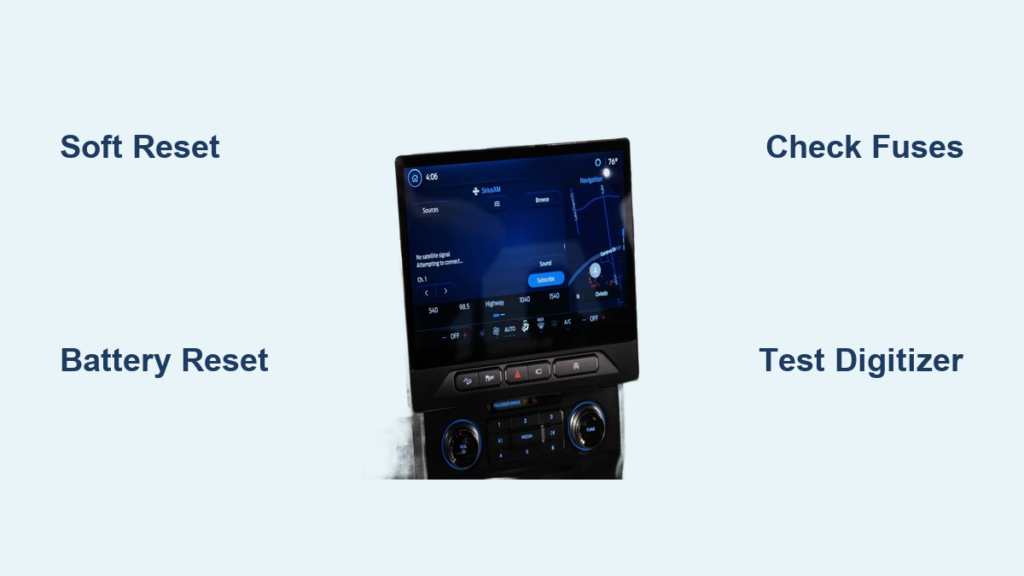
Press and hold the Seek Up and Audio Power buttons simultaneously for 10 to 15 seconds. The screen will go black and then reboot. This forces the APIM to restart.
Time required is approximately 1 minute. Success rate is moderate, with some users reporting full restoration. Watch for screen flickering or restarting, followed by touch function returning after about 30 seconds.
Perform this with the engine off but ignition in the on position to ensure full system power.
Try a Hard Battery Reset
Disconnect the negative battery terminal. Open the driver door to simulate key-out mode. Wait 60 minutes, not 10 or 30, because full capacitor drain is critical. Then reconnect the battery.
This works by clearing residual power from control modules and resetting both FCDIM and APIM. User results are mixed. One 2016 XLT owner reported no change after a one-hour disconnect, while another user on Reddit reported the issue was fixed after a 45-minute disconnect.
A common mistake is waiting too short a time. Less than 30 minutes often fails to resolve the issue.
Always perform this reset before installing new hardware to ensure a clean baseline for testing.
Inspect Fuses and Power Supply
A lost power signal to the touch interface can mimic digitizer failure. Check fuses before replacing expensive components.
Locate Infotainment Fuses
Find the interior fuse box, which is typically under the dash or in the center console. Consult your owner manual for the exact layout. Common fuse labels include APIM, FCDIM, Radio, and SYNC.
Inspect each fuse for visible damage or corrosion. Use a fuse tester to confirm continuity.
Typical rating is 5A or 10A, varying by model year. Most users report fuses are intact, but one mechanic traced intermittent failure to a loose fuse housing.
Even if fuses look fine, wiggle them gently because poor contact can disrupt power to the touch system.
Check for Power at the Harness
If fuses are good but the screen remains unresponsive, test voltage at the head unit harness. This requires a multimeter and partial dash removal.
Expected reading is 12V at power pins. If there is no power, trace the wiring back to the fuse box and look for corrosion or chafing.
Diagnose the Touch Digitizer
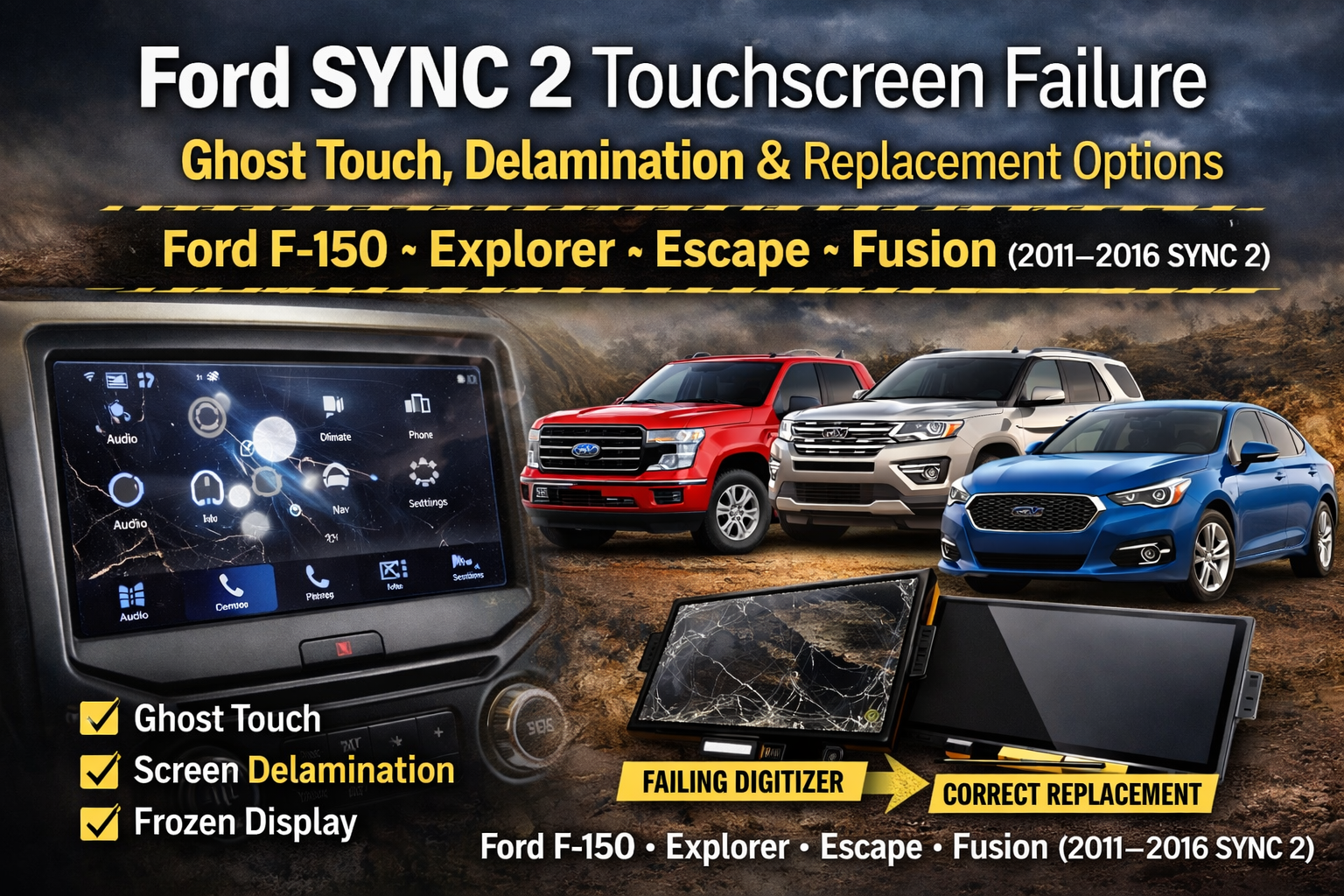
The digitizer is the thin, transparent touch-sensitive layer bonded to the LCD. It can fail independently while the display continues to work perfectly.
Signs of Digitizer Failure
Watch for these indicators. The screen image remains sharp and complete. Voice commands via the Press Talk button work normally. Physical buttons such as volume and menu may still function. Steering wheel controls remain responsive.
This combination confirms the APIM is alive and the issue is touch input only.
Test with a Replacement Screen
Replace the screen assembly with a known-good unit. Cost ranges from $80 to $200 on eBay or RockAuto.
Installation steps include removing the dash trim around the radio, unplugging harness connectors for infotainment, USB, and antenna, unscrewing and sliding out the old unit, then installing the new screen and reconnecting power.
One user replaced the screen twice with no improvement, which points to a deeper module issue rather than the digitizer itself.
Rule Out FCDIM or APIM Failure
If a new screen does not fix the problem, the fault may lie in the control modules rather than the display.
Understand FCDIM vs APIM Roles
The APIM is the main computer handling software, Bluetooth, voice, and GPS functions. The FCDIM manages touch input and display signals.
Contrary to common belief, APIM failure usually kills the entire screen. However, FCDIM failure can disable touch while leaving display and voice functions intact.
The FCDIM may have failed, and replacement may be necessary according to mechanic insights.
Test for Module Communication
Use FORScan, which is free software, along with an OBD2 adapter to access module diagnostics.
Steps involve downloading FORScan from f150forums.com, connecting via the OBD2 port, scanning for DTCs in APIM and FCDIM, and checking module responsiveness.
What to look for includes missing or unresponsive FCDIM, U-codes indicating communication errors, and software version mismatches.
FORScan can also reprogram used APIM modules without requiring a dealership visit.
Address Software and Firmware Issues
Outdated or corrupted firmware can disable touch drivers while keeping the operating system running.
Check SYNC Software Version
If touch works partially, navigate to Settings, System, About, and Software Version to check your current build.
MyFord Touch versions prior to 3.0 are known to be unstable. SYNC 3 should be updated if below the latest build.
If touch is completely dead, you cannot access this menu without external tools.
Force a USB Firmware Update

Download the correct update from Fords official portal, which requires your VIN. Place the file on a USB drive formatted as FAT32 with 8GB maximum capacity. Insert into the F-150 while powered on.
Conditions for auto-detection include ignition in the on position, engine off, and no other USB devices plugged in.
Success cues include the screen going black and a progress bar appearing, which may take 15 to 30 minutes.
If the APIM does not recognize the USB, the module may be too corrupted to update.
Consider APIM Replacement or Reprogramming
If digitizer and FCDIM checks fail, the APIM itself may need replacement.
Source a Replacement APIM
Options include used units from eBay at $150 to $300, refurbished units from 4dtech.com at $400 or more with warranty, and OEM units from the dealership at $800 or more.
A key requirement is that the APIM must be VIN-programmed to work with your truck.
Reprogram Without a Dealership
Use FORScan to pair a used APIM without a dealership visit.
Buy a used module, which does not need to match your VIN. Install it in the vehicle. Connect via FORScan. Select APIM Configuration and enter your VIN and module serial.
Time required is 20 to 30 minutes. Tools needed include an ELM327 OBD2 adapter, either Wi-Fi or Bluetooth version.
One user reported, “You can do all the programming and more for the sync systems” using this method.
Upgrade to SYNC 3
For 2013 to 2016 models, upgrading from MyFord Touch to SYNC 3 eliminates the root cause, which is outdated and unstable software.
What You Will Need
You will need a SYNC 3-compatible APIM, a SYNC 3 touchscreen featuring capacitive technology with faster response, a USB harness adapter, and standard installation tools.
Cost Comparison
DIY parts from eBay cost $300 to $700 with free labor. Professional installation from 4dtech.com costs approximately $2,100, which includes parts and labor.
One user received a quote of $2,100 for a full navigation-equipped SYNC 3 retrofit.
Benefits of SYNC 3
SYNC 3 offers faster touch response, Apple CarPlay and Android Auto compatibility, fewer crashes and freezes, and better ongoing software support.
One user verdict stated it was “worth every penny, fixed all touch issues permanently.”
Check for Extended Warranty Coverage
Ford issued an APIM extended warranty due to high failure rates on these modules.
Eligibility
Coverage extends up to 10 years or 150,000 miles and applies to emissions-related modules, which may include the APIM in some cases.
How to Verify
Visit the Ford Owner Portal, enter your VIN, and check Service Coverage for APIM eligibility.
One user noted, “There is the APIM extended warranty that I believe this would qualify for.”
If covered, replacement is free or low-cost at any Ford dealership.
Use Workarounds When Touch Fails
Until you complete repairs, rely on alternative controls to maintain functionality.
Voice Commands
Voice commands remain fully functional in most cases. Use commands such as “Call home,” “Navigate to nearest gas station,” or “Play SiriusXM channel 8.”
Many users adapt by having their spouse use voice commands while driving.
Physical and Steering Wheel Controls
Several controls remain operational even when touch dies. Use the volume up and down buttons, seek forward and back buttons, menu and back buttons if separate from touch, and steering wheel audio controls.
Avoid Common Repair Mistakes
Do Not Replace the Screen Blindly
Many users waste money on digitizer swaps only to find the FCDIM or APIM is actually at fault.
Always perform a full reset, check fuses, test with FORScan if possible, and confirm failure with a known-good screen before purchasing replacement parts.
Do Not Skip the 60-Minute Battery Reset
Short resets of 5 to 15 minutes fail because modules retain memory. One hour is critical for full discharge.
Do Not Assume All Aftermarket Screens Work
Low-quality digitizers fail quickly. Stick to reputable sellers like 4dtech.com or OEM units for reliable results.
Frequently Asked Questions About F150 Touch Screen Not Responding
Why does my F150 screen work but not respond to touch?
This typically indicates digitizer failure. The display and APIM are functioning normally, but the touch-sensitive layer has failed. In some cases, the FCDIM module that manages touch input may be at fault rather than the screen itself.
Can I fix the touch screen myself?
Yes, you can perform soft resets and hard battery resets yourself. Replacing the screen assembly is a moderate DIY task requiring dash trim removal. Advanced diagnostics and APIM reprogramming require FORScan software and an OBD2 adapter.
How much does F150 touch screen repair cost?
Screen replacement costs $80 to $200 for aftermarket units. APIM replacement ranges from $150 for used units to $800 or more for OEM. A full SYNC 3 upgrade runs $300 to $700 for DIY or about $2,100 professionally installed.
Is there a recall for F150 touch screen problems?
Ford has not issued a recall specifically for touch screen failure, but an extended warranty may cover APIM replacement. Check your VIN at the Ford Owner Portal to verify coverage eligibility.
Will disconnecting the battery fix my touch screen?
Sometimes. A 60-minute battery disconnect clears residual power and can resolve software glitches. However, if the issue stems from hardware failure such as a bad digitizer or failed FCDIM, the battery disconnect will not fix the problem.
What can I do while waiting for repair?
Use voice commands via the Press Talk button for navigation, phone, and audio functions. Use physical buttons on the radio and steering wheel for volume, track selection, and call answering.
Key Takeaways for Fixing Your F150 Touch Screen
The F150 touch screen not responding issue is most commonly caused by a failed digitizer or FCDIM, not the entire APIM. Start with resets and fuse checks to rule out software and power issues, then test with a replacement screen. If that fails, use FORScan to diagnose module communication or consider a SYNC 3 upgrade for a permanent fix.
Check your VIN for extended warranty coverage because it could save you hundreds on replacement costs. Until then, voice commands and physical buttons keep your truck functional while you arrange proper repairs.