
If you drive a 2023 or newer F250 Super Duty, you already know Ford locks down many features behind module security. The ForScan F250 spreadsheet, maintained by community expert “ZooDad,” compiles working hex codes, PIDs, and configuration steps to unlock hidden capabilities on these trucks. From tire calibration to heated steering wheel icons, this living document is the definitive resource for Super Duty owners who want to customize beyond factory settings. This guide breaks down exactly what the spreadsheet offers, what currently works, what fails, and how to avoid common mistakes that brick modules or trigger warning lights.
Tire Size Calibration: Max Value 2770
Correct tire circumference keeps your speedometer accurate and prevents transmission shift problems. On 2023+ F250s, the PCM enforces a strict upper limit that catches many owners off guard.
Use 2770 as Maximum Circumference
The highest safe value for tire circumference on 2023+ models is 2770. Even if your 37-inch tires calculate to 2800 or higher (around 569 revs/mile), entering anything above 2770 triggers the error: “Parameter in central configuration is out of range for this module.”
Start with 2770 as your baseline. Generic online calculators often suggest values that exceed this limit. Always cross-reference with the community’s Tire Size Calculator linked in the main ForScan thread.
Avoid P0160A and 4×4 Warnings
Incorrect tire entries commonly produce:
– Service 4×4 warning light
– Check Engine Light (CEL)
– DTC P0160A (historical, related to PCM calibration failure)
This code typically clears after 3–5 drive cycles once the correct value is applied and modules complete relearning. It will not resolve without proper relearn procedures.
Relearn PCM, TCM, and AWD Modules
After changing tire size, resetting modules is not enough. You must perform a full relearn:
1. PCM Relearn – Required for all engines (diesel and gas)
2. TCM Relearn – Diesel-only, ensures correct shift timing
3. AWD Relearn – Enables 4×4 system synchronization
Pro Tip: Skipping PCM relearn leaves speedometer inaccuracies and persistent CELs. Resetting TCM alone may temporarily clear the 4×4 light, but only a complete relearn sequence addresses the root cause.
DTE and Fuel Tank Size Not Working
One of the most frustrating limitations for 2023+ F250 owners is the inability to adjust Distance to Empty after installing larger fuel tanks.
PCM Missing Tank Size Parameters
In previous model years, the PCM “Plain English” section included editable fields for fuel tank size (38 or 48 gallons). On 2023+ models, these fields are missing or display “0” instead of factory values.
Attempts to manually input 58 or 68 gallons produce no change on the dashboard. DTE simply reads “0 miles” regardless of input.
No Reliable Workaround Yet
A suggested workaround involves editing the value directly in the PCM Plain English module, but success rates are extremely low. As of June 2024, multiple users confirmed that changing from 48 to 68 gallons has no effect.
This is not user error. It reflects a structural change in how Ford stores fuel data on these modules. Until the community identifies a bypass, DTE adjustments remain non-functional on 2023+ Super Duties.
Seatbelt Chime Disable Fails on IPC
Disabling the seatbelt chime was straightforward on older Fords via Service Solution Manual 51679. On 2023+ models, the IPC module rejects write commands.
Write Commands Revert Automatically
When attempting to disable the chime:
– ForScan begins the procedure
– The module briefly accepts the change
– The system then reverts to original “as-built” data
This behavior suggests Ford implemented a firmware-level lockout or authentication check that prevents unauthorized writes.
Success Depends on Multiple Variables
Some users report partial success based on:
– Model Year (2023 vs 2024 vs 2025)
– OBD2 Adapter (OBDLink EX performs best)
– ForScan Version (latest Windows with Extended License required)
Until a consistent method emerges, seatbelt chime disable remains unstable and should be approached with caution.
Auto Shutdown Timer Cannot Be Disabled
The 30-minute automatic engine shutdown during idle is a factory safety feature commonly used when running PTO equipment, campers, or climate systems.
No Known Hex Code Available
Despite extensive community testing, no working hex value or PID exists in the current ForScan F250 spreadsheet to disable this timer. The function appears hard-coded or protected at the PCM level.
Owners needing extended idling must rely on manual restarts every 30 minutes or explore third-party tuning solutions not covered in the spreadsheet. This remains a top-requested feature but is non-functional via ForScan as of mid-2024.
Enable Heated Steering Wheel Icon
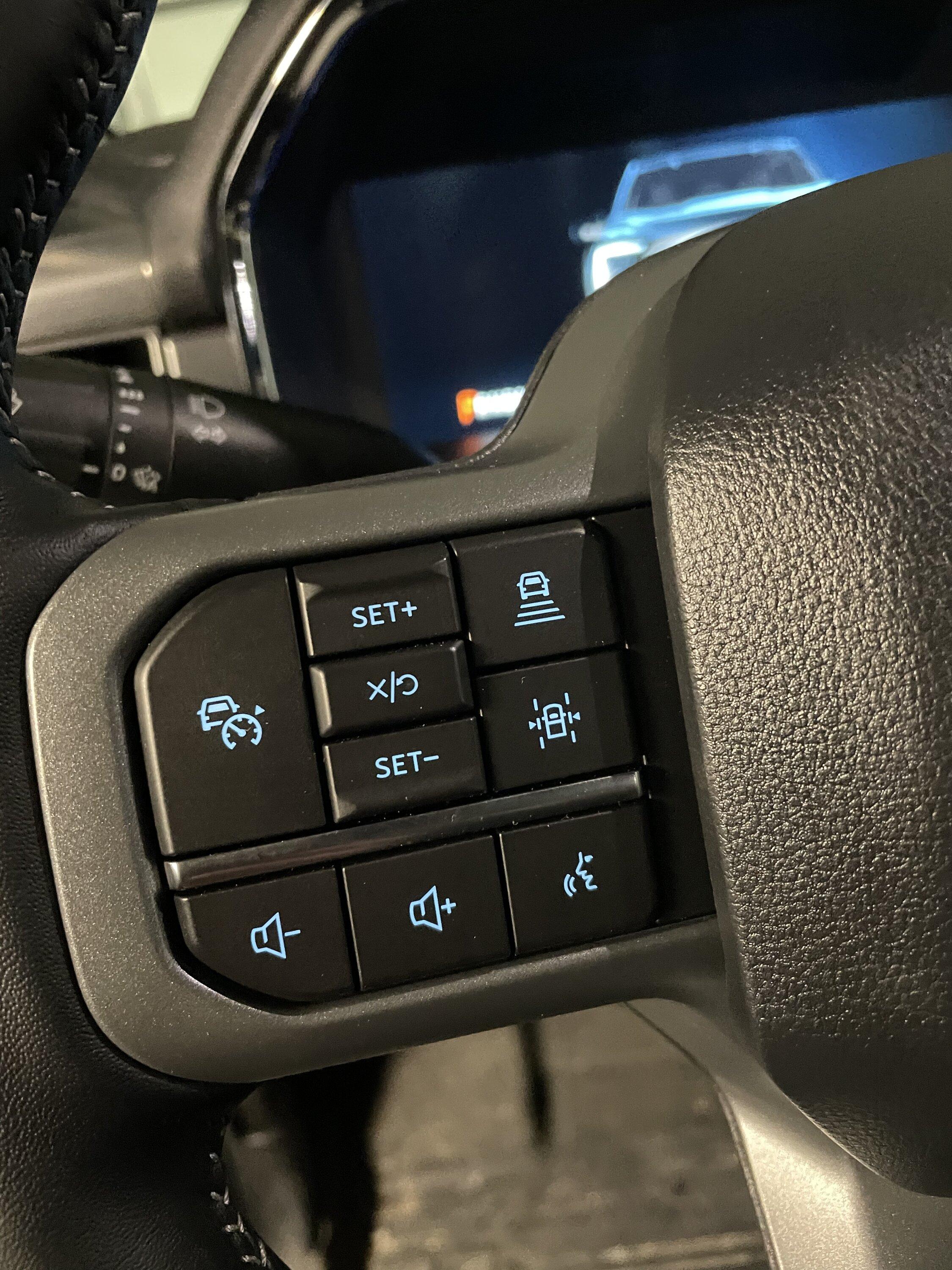
Many F250s come equipped with a heated steering wheel, but the icon does not always appear on the climate control bar.
Change Hex Value from 2 to 5
The fix involves modifying a configuration byte in the climate control settings:
– Original Value: Usually 2
– Target Value: 5 (add 3 to original)
This enables both the heated steering wheel and climate bar visibility.
Note: Unlike older models where adding 4 was standard, 2023+ trucks require +3.
Watch for Layout Disruptions
Enabling this feature can cause:
– Loss of Audio, CarPlay, or Settings icons on the main screen
– Rearrangement of quick-access buttons
You may need additional hex edits to restore the full UI layout. Always record your original values before making changes.
Mirror Cameras: Turn Signal Activation Not Confirmed
Mirror cameras activate automatically with trailer detection, but many owners want them to trigger with turn signals instead.
Works Only With Trailer or Dummy Plug
By default:
– Cameras turn on when a trailer is detected
– Or when a dummy 7-pin plug is installed
This mimics factory trailer mode but does not help when backing up without a trailer attached.
Demand for Turn-Signal Toggle
Users are actively testing hex values to enable:
– Mirror cameras on left or right turn signal
– Manual override without trailer detection
As of February 2025, no confirmed PID or hex code enables this behavior. It remains an open investigation in the community.
Disable Motion Sensor Alarm Permanently
The interior motion sensor triggers false alarms when leaving pets in the truck.
Default Is “Perimeter + Interior”
Factory setting monitors:
– Doors, hood, trunk (Perimeter)
– Interior cabin movement (Interior)
This causes false alarms with dogs or temperature shifts inside the cabin.
No Permanent Hex Fix Yet
A permanent “Perimeter Only” default setting is not documented in the spreadsheet. Until a hex code is identified, users rely on:
– Tape over sensors: Physically block the motion detector
– Manual disarm each time: Use the FordPass app or key fob
This is a high-priority request, and community testing continues.
SecuriCode Keypad and Trail Turn Assist
Two advanced features are under active investigation: SecuriCode keypad activation and Trail Turn Assist enablement.
Activate SecuriCode on Door
Some trims have the physical keypad but lack full functionality. Users are testing:
– Enabling SecuriCode via BCM or GWM module
– Finding the correct authentication handshake in ForScan
Early tests show promise, but no universal solution exists yet.
Enable Trail Turn Assist on Non-Tremor
Tremor models include a button that tightens turning radius by braking the inside rear wheel.
Owners of non-Tremor trucks with the physical button installed are testing whether the feature can be activated via:
– PCM or ABS module hex edits
– Enabling hidden off-road stability control modes
No confirmed method is public as of 2025, but hardware presence suggests potential.
Required Tools: OBDLink EX + Windows

Using the ForScan F250 spreadsheet requires specific hardware and software configurations.
Use OBDLink EX Adapter
While cheaper adapters exist, the OBDLink EX is proven to:
– Support 2023+ Ford security protocols
– Successfully write to IPC and PCM modules
– Maintain stable connection during relearn cycles
Other adapters may fail or cause write errors on sensitive modules.
Run ForScan on Windows with Extended License
Mobile apps (iOS and Android) do not support:
– Hex editing
– Parameter writing
– Module relearning
You need:
– Windows laptop (Windows 11 confirmed compatible)
– ForScan Windows App
– Extended License ($20 one-time)
Without this setup, you cannot access the full functionality of the spreadsheet.
TPMS Pressure Adjustments: Hex Format Needed
You can modify tire pressure thresholds, but values must be in hexadecimal format.
Find TPMS Section in Spreadsheet
Users report difficulty locating the TPMS conversion chart. When found:
– Enter desired PSI or kPa
– Convert to hex using the built-in table
– Apply via ForScan in BCM or IPC module
Always verify the correct module location. TPMS edits are less documented than tire circumference changes.
Test Safely: Backup and Relearn

The 2023+ Super Duty modules are more sensitive than previous generations. One wrong write can cause instability.
Always Backup As-Built Data
Before any change:
– Record original hex values
– Save as-built configurations in ForScan
– Note module responses during write attempts
This allows rollback if something fails.
Follow Community Testing Protocol
Verified users follow these steps:
1. Start low (e.g., 2770 for tires)
2. Relearn, do not just reset
3. Drive 3–5 cycles to clear P0160A
4. Report results to ZooDad or the forum
The spreadsheet evolves based on real-world testing. Your contribution helps others.
Frequently Asked Questions About the ForScan F250 Spreadsheet
What is the maximum tire circumference value for 2023+ F250s?
The maximum safe value is 2770. Entering higher values triggers an “out of range” error during PCM relearn and can cause persistent warning lights.
Why does my DTE show “0 miles” after installing a larger fuel tank?
The 2023+ PCM stores fuel tank data differently than previous generations. The editable fields are missing or show “0,” and manual inputs do not affect the dashboard display.
Can I disable the seatbelt chime on a 2023+ Super Duty?
Currently unstable. The IPC module often reverts write commands to original as-built data. Success depends on model year, adapter, and ForScan version.
What adapter works best with 2023+ F250s?
The OBDLink EX is the recommended adapter. It supports the security protocols required for writing to IPC and PCM modules on newer trucks.
Does the spreadsheet work on mobile devices?
No. You need a Windows laptop with the ForScan Windows app and an Extended License to access hex editing and module relearn functions.
How do I clear DTC P0160A after a tire size change?
Apply the correct value (2770 or lower), complete PCM/TCM/AWD relearn procedures, and drive 3–5 cycles. The code should clear naturally once the system stabilizes.
Key Takeaways for Using the ForScan F250 Spreadsheet
The ForScan F250 spreadsheet is the most powerful customization tool available for 2023+ Super Duty trucks, but it has clear limits. Tire size calibration works with the 2770 maximum and proper relearn sequences. UI tweaks like heated steering wheel icons function with the +3 hex rule. However, DTE adjustments, seatbelt chime disable, and auto shutdown timer remain broken due to Ford’s tighter module security.
Always use the OBDLink EX adapter, run ForScan on Windows with Extended License, and backup all as-built data before writing. The community actively tests mirror cameras, motion sensor disables, and Trail Turn Assist. Check the latest spreadsheet version monthly for updates. Stay cautious, test incrementally, and share your findings to keep the guide alive for fellow Super Duty owners.


