You grab the door handle of your 2023 Ford F-250, expecting the familiar unlock click, but nothing happens. No response. No chime. You’re locked out even though the key fob is in your pocket. This is a widespread issue affecting many 2023 F-250 owners: the Intelligent Access door handle unlock feature stops working. The good news? It is often not a broken part. It is a software or electrical hiccup you can fix in minutes.
The most common symptom is simple: the capacitive touch sensors on the door handles fail to respond when you grab or touch them. Yet the key fob buttons, FordPass app, keypad entry, and push-button start still work perfectly. This tells you the key fob is fine and the vehicle recognizes your presence. It is just not unlocking via the handle. Problems often start on the driver’s side and can spread to other doors. Some owners see it at under 200 miles. Others see it after short trips or cold snaps. The fix? For most, a 20-minute battery disconnect resets the system instantly.
In this guide, you will learn the exact steps to diagnose and repair your 2023 F-250 door handle unlock failure, whether it is a software glitch, battery issue, or hardware fault. We will cover quick resets, charging tips, interference fixes, and when to suspect a failing actuator. You will also get insider warnings like where to connect a battery charger to avoid BMS errors and how to distinguish a true hardware failure from a temporary freeze. Let us get your truck responding again.
Reset Intelligent Access System
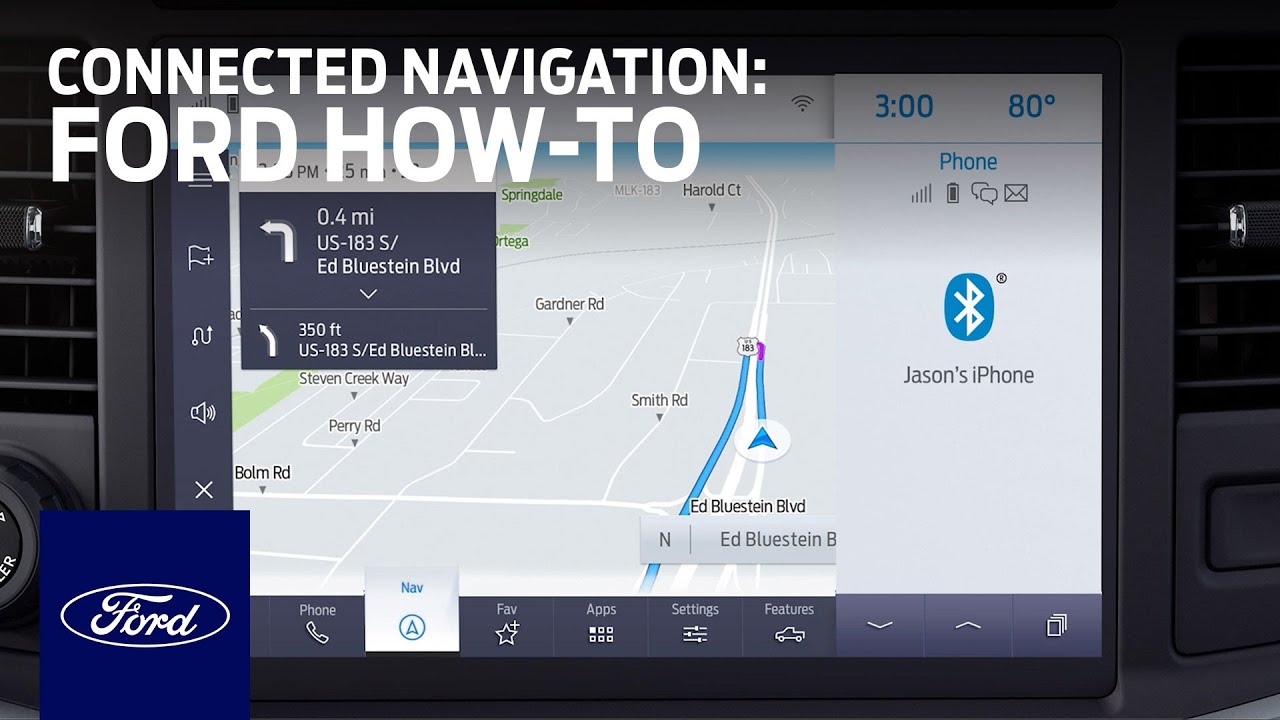
If your 2023 F-250 door handle will not unlock when touched, the first step is a soft reset of the Intelligent Access feature. This often clears minor software hangs without disconnecting the battery.
Toggle Intelligent Access Off and On
- Turn the ignition to ON (do not start the engine).
- Navigate to Settings on the instrument cluster or infotainment screen.
- Select Vehicle > Intelligent Access (or “Door Handle Lock/Unlock”).
- Toggle the Lock/Unlock on Handle Touch feature to OFF.
- Wait 10 seconds.
- Toggle it back to ON.
- Exit the menu and test both front door handles.
This quick reset resolves temporary glitches in the Body Control Module (BCM) logic. If the handles still do not respond, proceed to a hard reset via battery disconnect.
Perform a Battery Disconnect Reset

When the soft reset fails, a 20-minute battery disconnect is the most reliable fix for 2023 F-250 door handle unlock issues. This forces a full reboot of the BCM and clears corrupted memory states.
Disconnect Negative Terminal(s)
For Gas Models (Single Battery):
1. Open the hood and locate the battery.
2. Loosen the negative (-) terminal clamp with a 10mm wrench.
3. Carefully remove the cable and secure it away from the terminal.
For Diesel Models (Dual Batteries):
1. Both negative terminals must be disconnected.
2. Repeat the process on each battery.
Wait at least 20 minutes. This allows the BCM capacitors to fully discharge. Shorter waits may not clear the fault.
Reconnect and Test System
- Reattach the negative cable(s) and tighten securely.
- Close the hood.
- Grab the door handle. Most users report instant restoration of function.
- Start the engine and verify all systems respond normally.
This reset clears “deep sleep” modes triggered by low battery voltage or software bugs. It is effective for over 80% of reported cases.
Check Battery Health and Charging
A weak battery is a leading cause of Intelligent Access failure. The BMS disables non-essential features like handle sensors to preserve starting power, even if the truck starts fine.
Test for Low Voltage Symptoms
If your F-250 shows these signs, battery health is likely the culprit:
– Door and tailgate handles unresponsive
– Step lights or approach lighting do not activate
– Radio shuts down after short idle
– Issue occurs after frequent short trips
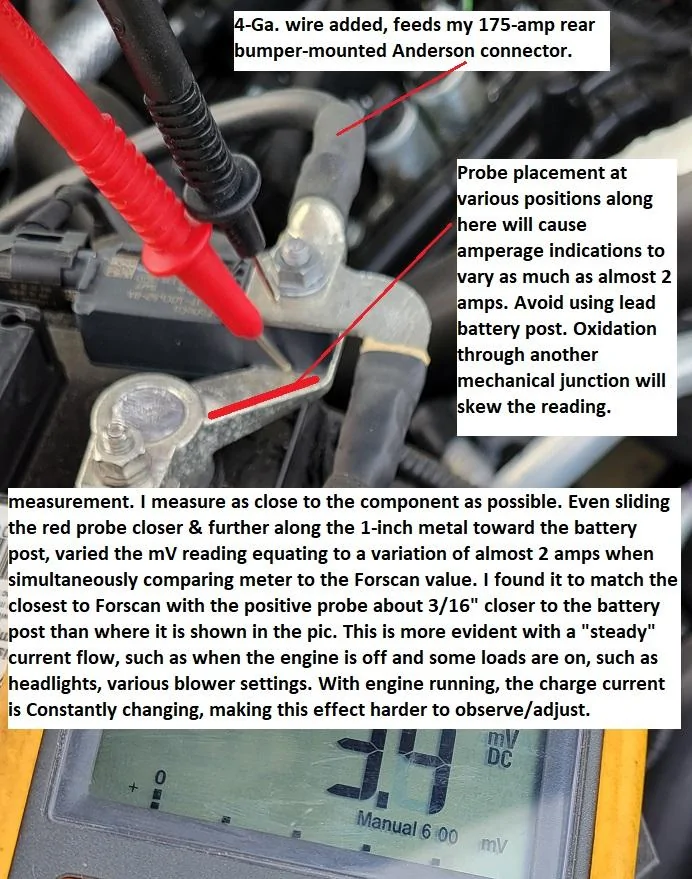
Use a multimeter to check voltage:
– Below 12.4V: Battery is undercharged
– Below 12.0V: Deep discharge; requires immediate charging
Charge Correctly Using BMS Sensor
Critical Warning: When using a battery tender, do not connect to the negative battery post. Instead, attach the negative clamp to the BMS sensor nut on the negative terminal. Connecting directly to the post bypasses the BMS, preventing accurate charge detection and potentially causing recurring issues.
Use a 3–5 amp charger. 1-amp maintainers often cannot overcome parasitic draw on Super Duty trucks.
Reset BMS After Charging
If the system remains unresponsive after charging:
1. Turn ignition to ON (engine off).
2. Flash high beams 5 times.
3. Press brake pedal 3 times.
4. Turn ignition off, wait 30 seconds, then restart.
This manual reset reactivates the Intelligent Access system after a low-voltage event.
Eliminate RF Interference
Electronic interference from your phone or other devices can block the key fob signal, making the door handles seem “dead.”
Separate Phone and Key Fob
Many users report failure when carrying their iPhone or Android in the same pocket as the key fob. The phone’s RF emissions disrupt the proximity detection.
Fix: Place the key fob in a front pants pocket and the phone in a jacket or opposite pocket. Test immediately. Response is often instant.
Also avoid:
– Metal-lined wallets or phone cases
– USB drives or power banks near the fob
– Signal-blocking key fob pouches (unless actively used)
This simple fix resolves “phantom” failures with no hardware involved.
Handle Sensor Technique Tips
Incorrect touching technique can prevent unlocking, especially on the driver’s side.
Use Correct Touch Zones
Driver’s Door:
– To unlock: Grab the left side of the handle (as if pulling to open) or touch the inside of the handle.
– To lock: Touch the top or outer edge of the handle.
Passenger Door:
– To unlock: Touch the inside of the handle.
– To lock: Touch the outside.
A light tap may not trigger the capacitive sensor. Use a firm, deliberate grip lasting 1–2 seconds.
Diagnose Freezing Weather Issues
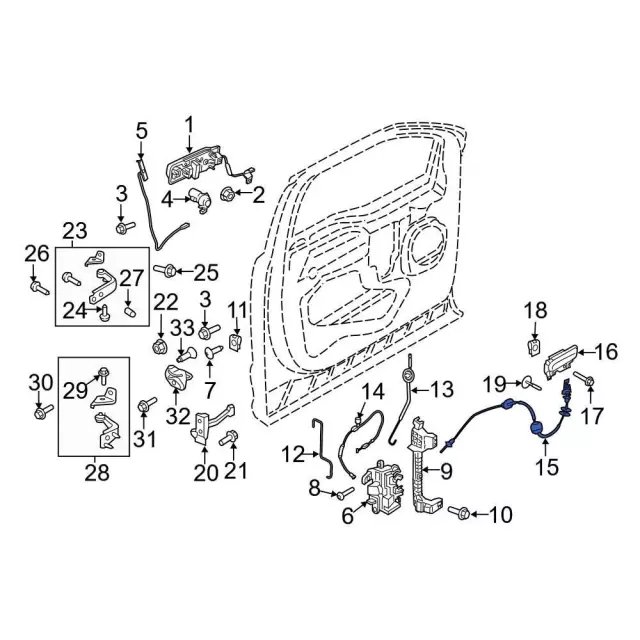
In cold climates, moisture in the door latch mechanism can freeze, blocking movement.
Identify Cold-Weather Lock Failure
Symptoms:
– Doors will not unlock or open in freezing temps
– Issue resolves when warmed up
– No electrical response, but fob buttons still work
Root Cause: Per TSB SSM 50543, moisture enters the interior door latch cable assembly and freezes, mechanically jamming the lock.
Fix: Replace the latch cable with an updated, sealed design. This is a mechanical repair, not a sensor or electrical fault. Dealers should cover this under warranty in affected temperature zones.
Test for Actuator Failure
If only one door fails and you hear noise, the lock actuator may be bad.
Listen for Grinding or Clicking
Open the door and have someone press the fob unlock button. Listen inside the door panel for:
– Grinding: Worn motor gears
– Clicking: Failed solenoid
– Buzzing: Partial actuator engagement
If sound is present but no movement, the actuator is likely failing.
Confirm Single-Door Failure
Test all doors:
– If the driver’s side does not unlock but others do, suspect the driver-side actuator.
– If all doors fail but the fob works, it is likely not an actuator issue.
Actuators cost $50–$60 (OEM) and require door panel removal. Failures often occur just after the warranty expires. Check if yours is still covered.
Inspect Master Switch and Wiring
If interior lock controls also fail, the master switch or wiring may be damaged.
Check for Switch Compatibility
Trucks with memory seats require a specific master switch (e.g., ML3T-14B133-AG). Using a non-memory switch causes malfunction. Verify the part number before replacement.
Examine Door Harness for Damage
- Open the driver’s door.
- Inspect the rubber boot between the door and frame.
- Gently bend the boot and look for cracked or frayed wires.
- Common break points: near the hinge, where wires flex repeatedly.
Damaged wires cause intermittent power loss to the handle sensor or actuator. Repair with solder and heat shrink. Do not just twist and tape.
Replace Faulty Door Lock Actuator

When diagnosis confirms actuator failure, replacement is required.
Remove Door Panel Safely
- Pry off the mirror triangle cover, door handle trim, and pull handle cover.
- Remove 7mm screws (2 under pull handle, 1 behind trim, 2 at bottom).
- Use a trim tool to pop perimeter clips.
- Lift the panel upward to clear the window ledge.
- Unplug the main harness and door handle cable.
Swap the Actuator
- Locate the latch assembly inside the door.
- Remove T27 Torx screws securing the actuator.
- Disconnect the electrical connector.
- Install the new actuator and reconnect.
- Reassemble the door panel in reverse order.
Test before full reassembly. Allow 30–60 minutes for the job.
Prevent Future Unlock Failures
Avoid recurrence with these proactive steps.
Maintain Battery Charge
If you take short trips (under 10 miles), use a 3–5 amp battery tender weekly. This prevents deep discharge and BMS-induced deep sleep.
Store Key Fob Separately
Keep your phone and key fob in different pockets. This prevents RF interference and ensures reliable handle detection.
Update Software at Dealer
No official recall exists, but dealers can perform BCM software updates via FDRS. If resets become frequent, request a software refresh. Many owners report long-term fixes after updates.
Frequently Asked Questions About 2023 F250 Door Handle Unlock Issues
Why do my 2023 F250 door handles not unlock but the key fob still works?
This indicates a software glitch in the Intelligent Access system, not a broken fob. The BCM fails to wake the capacitive sensors even though it detects the fob nearby. A 20-minute battery disconnect usually resolves it.
Will disconnecting the battery reset my F250’s door handles?
Yes. Disconnecting the negative terminal for at least 20 minutes forces the BCM to reboot and clears the “deep sleep” state that disables the handle sensors. This is the most successful fix reported by owners.
Can my phone interfere with my F250’s keyless entry?
Yes. Carrying your phone and key fob in the same pocket can block the proximity signal. Separate them into different pockets and test the handles immediately. The response is often instant.
How do I charge my F250 battery without triggering BMS errors?
Connect your charger to the BMS sensor nut on the negative terminal, not the battery post itself. Use a 3–5 amp charger, as 1-amp maintainers often cannot overcome the truck’s parasitic draw.
What causes F250 doors to freeze shut in winter?
Per TSB SSM 50543, moisture enters the interior door latch cable assembly and freezes, mechanically jamming the lock. The fix is replacing the cable with an updated, sealed design under warranty.
How much does it cost to replace a 2023 F250 door lock actuator?
OEM actuators cost $50–$60. Labor is intensive due to door panel removal. If your truck is under the 3-year/36,000-mile bumper-to-bumper warranty, the replacement should be covered.
Key Takeaways for Fixing Your 2023 F250 Door Handle Unlock
Most 2023 F-250 door handle unlock failures are not hardware faults. They are software or battery-related. Start with a 20-minute battery disconnect, check for phone interference, and charge correctly using the BMS nut. If problems persist, inspect for actuator noise or wiring damage.
Your next step is simple: try the battery disconnect first. It resolves the majority of cases in under 30 minutes with no tools or cost. If the issue returns frequently, schedule a dealer visit for a BCM software update.