

A frozen or unresponsive touch screen in your 2015 F250 can turn a simple climate adjustment into a frustrating guessing game. This problem hits owners of Lariat trims and other models equipped with the My Ford Touch (MFT) system especially hard. Symptoms range from total unresponsiveness and calibration drift to random freezing mid-drive. While dealerships may quote repair costs reaching $5,000, most cases resolve through simple resets, recalibration, or affordable third-party repairs.
This guide covers every fix from quick software resets to long-term hardware solutions. You’ll learn how to diagnose the exact cause, perform a proper calibration, and avoid unnecessary dealer charges.
Identify the Exact Problem
Pinpointing your specific symptom saves time and prevents wasted effort on the wrong fix.
Touch Registers in the Wrong Spot
If tapping “Phone” opens “Navigation,” your screen has a calibration offset. The digitizer works, but its touch map is misaligned with the display. This is common after battery replacements or power glitches and is software-fixable.
Visual clue: The screen looks normal, but input consistently lands in the wrong location.
Screen Displays but Won’t Respond to Touch
The screen shows menus and audio info, but no touch input registers. Physical buttons and voice commands may still work. This points to a failed digitizer layer or a software freeze.
Critical test: Try voice commands like “Call Home.” If they work, the head unit’s core processor is alive.
Screen Freezes Randomly While Driving
Intermittent freezing that clears after restarting suggests software instability or failing memory in the Audio Control Module (ACM). Dealers often miss this because the system works during service visits.
Pro tip: If freezing happens only after 20+ minutes of driving, heat buildup may be worsening an underlying fault.
Screen Is Blank or Shows Artifacts
Flickering, dead pixels, or a cracked screen indicate LCD hardware damage. No software reset can fix physical breakage.
Check first: Does the backlight illuminate? Can you faintly see menu outlines? If yes, the LCD may be failing but not completely dead.
Perform a Hard Reset
A full system reboot clears temporary glitches causing freezes or unresponsiveness. Try these two methods before deeper troubleshooting.
Disconnect the Battery
This forces all modules, including the ACM, to fully power down and reset.
Steps:
1. Turn off the truck and remove the key.
2. Open the hood and locate the battery.
3. Disconnect the negative terminal (black) using a wrench.
4. Wait 60 seconds for full memory drain.
5. Reconnect the terminal securely.
6. Turn the ignition on and wait for the system to boot.
Note: Radio presets, Bluetooth pairings, and clock settings will reset. Re-pair devices afterward.
Pull the Sync System Fuse
A less disruptive alternative that targets only the infotainment system.
Steps:
1. Open the fuse box (driver’s side dash or engine bay; check your owner’s manual).
2. Locate the SYNC or Navigation fuse (often labeled “AUDIO” or “ACM”).
3. Remove the fuse using the puller tool.
4. Wait 3 to 5 minutes.
5. Reinsert the fuse firmly.
6. Start the vehicle and test the screen.
Benefit: Less likely to wipe other vehicle settings than a full battery disconnect.
Recalibrate the Touch Screen
If the screen responds but touch is offset, recalibration is your fix. Use the sequence matching your button layout.
Models With SEEK Up/Down Buttons
Use this method if your radio has vertical seek arrows.
Calibration steps:
1. Turn the vehicle ON (engine running or in accessory mode).
2. Tune to AM/FM radio mode.
3. Press and hold the EJECT button.
4. While holding EJECT, press SEEK UP.
5. Still holding EJECT, press and hold SEEK DOWN.
6. The screen will switch to a calibration grid.
7. Touch and hold each on-screen target as it appears.
8. When done, the screen displays: “New calibration settings have been measured. Press the Enter key to accept.”
9. Tap the screen to confirm.
Done: The system returns to normal operation with accurate touch response.
Models With LEFT/RIGHT Buttons
Some 2015 F250s use horizontal LEFT/RIGHT seek buttons instead.
Alternative sequence:
1. Hold the EJECT button continuously.
2. While holding EJECT, press LEFT, then RIGHT.
3. The calibration mode should activate.
4. Follow on-screen prompts to complete calibration.
Troubleshooting: If the screen doesn’t respond, try the battery reset first, then retry calibration.
Diagnose Hardware vs. Software Failure

When resets and calibration fail, determine if the problem is hardware-based.
Test Non-Touch Functions
Check if these still work:
– Bezel buttons (tune, menu, volume)
– Voice commands (“Call Home,” “Navigate to…”)
– Steering wheel controls
– Climate control via physical knobs
If these work: The ACM is functional. The issue is likely digitizer failure or an LCD assembly defect.
Check for Navigation Button Response
Try accessing GPS via physical buttons. If the navigation screen appears and responds to button inputs but not touch, the touch digitizer is faulty, not the main computer.
Use an OBD-II Scanner (Optional)
While most touch issues don’t trigger check-engine lights, an advanced OBD-II scanner can detect CAN bus communication errors.
Look for:
– U0100: Lost communication with ACM
– B1234: Touch screen module fault (if supported)
Limitation: Generic scanners may not read infotainment-specific codes. Ford IDS scanners are needed for full diagnostics.
Replace or Repair the Head Unit
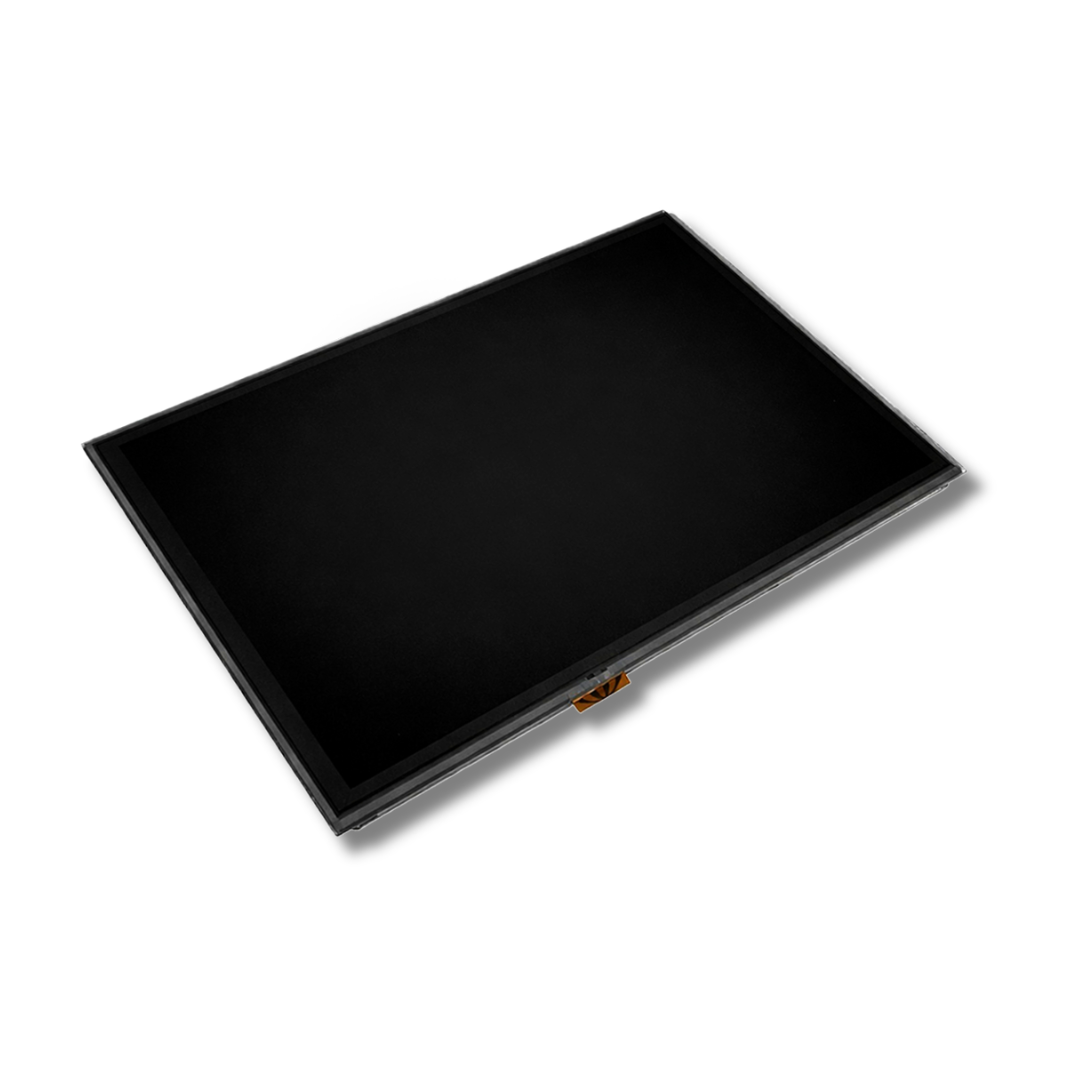
If software fixes fail, hardware repair or replacement becomes necessary. Avoid the $5,000 dealership trap; better options exist.
Third-Party Repair: Save Over $1,000
Specialized shops repair failed LCD and touch assemblies for a fraction of dealer cost.
Typical repair cost: $350 to $800 (often on sale from $800 down to $350).
What’s included:
– Digitizer replacement
– LCD panel repair or replacement
– Upgraded tempered glass
– Scratch-resistant HD coating
– OE-grade connectors
Turnaround time: 2 to 3 business days after the shop receives your unit.
Warranty: Most offer a 4-month warranty against defects under normal use.
Shipping tips:
– Use insured, trackable shipping
– Pack securely in anti-static foam
– Include your order number inside the box
– Ship to the repair facility (e.g., Elk Grove, CA)
Installation: Repaired units are plug-and-play, with no dealer programming required in most cases.
Watch Out for Bench Test Fees
If you send a unit in and the shop diagnoses it as functional (user misdiagnosis), expect a $50 bench test fee plus shipping costs.
When to Go to the Dealer
Dealerships are worth considering only in specific scenarios.
Extended Warranty Still Active?
If you have a 100,000-mile extended warranty, the repair may be free, even at 90,000+ miles. Many owners reported full coverage for touch screen replacements under such plans.
Action: Call your warranty provider and confirm coverage before paying out of pocket.
Field Service Action (FSA) Applies?
Ford has issued no-cost field repairs for known electronic defects, even beyond standard warranty. Ask the dealer if a Technical Service Bulletin (TSB) or FSA covers your VIN.
How to check:
1. Provide your VIN to the service advisor.
2. Ask: “Is there an open TSB or FSA for My Ford Touch failure?”
3. If yes, push for a no-charge repair.
Dealer Repair Cost Breakdown
If paying out of pocket:
– New OEM unit: $2,500 to $3,500
– Labor and programming: $500 to $1,500
– Total: $3,000 to $5,000
Warning: Some dealers replace the entire dash module when a $350 repair would suffice. Get a second opinion.
Prevent Future Touch Screen Failures
The 2015 MFT system is prone to failure, but you can extend its life.
Keep Battery Voltage Stable
Low voltage during startup or shutdown can corrupt ACM memory.
Do:
– Replace a weak battery before it fails
– Avoid prolonged accessory mode with low charge
– Use a battery maintainer if the truck sits for weeks
Avoid Aftermarket Charging Devices
Cheap USB chargers or inverters can introduce electrical noise or voltage spikes.
Use only:
– OEM-approved accessories
– Surge-protected power adapters
Update Firmware (If Available)
Check Ford’s official support site periodically for My Ford Touch updates. While rare for 2015 models, updated firmware can fix known bugs.
Frequently Asked Questions About 2015 F250 Touch Screen Problems
Why does my 2015 F250 touch screen not working issue keep coming back after a reset?
Intermittent failures that return after a reset often indicate failing memory in the Audio Control Module (ACM) or a digitizer on the verge of complete failure. A reset clears temporary glitches, but underlying hardware degradation will cause symptoms to reappear. If resets only provide temporary relief, consider third-party repair or replacement.
How much does it cost to fix a 2015 F250 touch screen?
Costs vary widely. Dealership replacement runs $3,000 to $5,000. Third-party repair services charge $350 to $800 for the same fix. DIY calibration costs nothing if the issue is software-related.
Can I recalibrate my Ford touch screen without going to a dealer?
Yes. Use the EJECT + SEEK UP + SEEK DOWN sequence (or EJECT + LEFT + RIGHT for models with horizontal buttons) while in AM/FM radio mode. This accesses the bezel diagnostics screen for manual calibration without any dealer visit.
Will Ford replace my touch screen for free?
Possibly. If your vehicle has an active extended warranty (especially 100,000-mile coverage) or if a Technical Service Bulletin or Field Service Action covers your VIN, Ford may repair or replace the unit at no cost. Contact your dealer with your VIN to check eligibility.
Is the 2015 F250 touch screen problem covered under recall?
There is no specific recall for MFT touch screen failures. However, Ford has issued Field Service Actions for known electronic defects in some cases. Ask your dealer to check for open FSAs or TSBs related to your VIN.
How long do third-party touch screen repairs last?
Most third-party repairs include a 4-month warranty covering defects under normal use. The repaired units often include upgraded components like tempered glass and OE-grade connectors, which can improve durability over the original part.
Key Takeaways for Fixing Your 2015 F250 Touch Screen
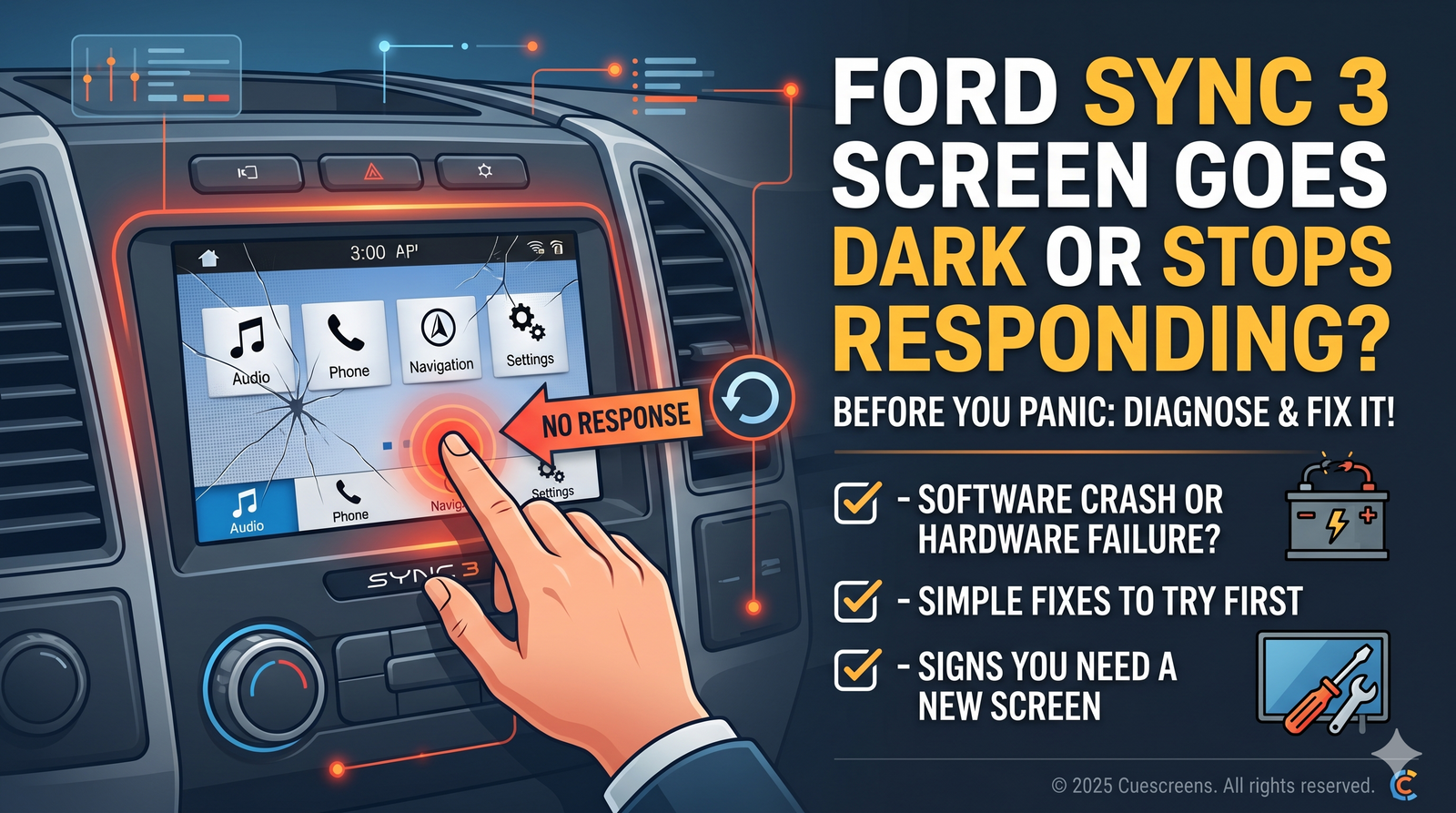
Start with the simplest fixes first. A 60-second battery disconnect or a 5-minute fuse pull resolves many temporary glitches at no cost. If the screen responds but input is offset, run the calibration sequence using your specific button layout.
When software fixes fail, third-party repair offers the best value at $350 to $800 compared to dealership costs of $3,000 to $5,000. Before paying out of pocket, check whether your extended warranty or an open Field Service Action covers the repair.
Next step: Try the battery disconnect reset today. If that doesn’t work, attempt the calibration sequence matching your button layout. Most owners restore full functionality within minutes using these free methods.


