If your 2009 F-150 phone button is not responding, you are not alone. Many owners report the dashboard or steering wheel phone button failing to activate the SYNC system, leaving hands-free calling inaccessible. While this can feel like a major tech failure, most cases stem from software glitches, incorrect setup, or simple electrical resets. The good news? You can often fix the 2009 F-150 phone button not working issue in minutes without visiting a dealer. This guide walks you through confirmed troubleshooting steps, from quick fixes to advanced resets, so you can restore full phone functionality safely and efficiently.
Before diving into repairs, understand that the phone button only works if your truck has the Ford SYNC system. Many 2009 F-150s came with a physical phone button even without SYNC, leading drivers to believe it should work. If SYNC is not installed, no amount of resetting will activate calling features. We will help you verify SYNC presence first, then guide you through proven fixes used by real owners to bring their system back online.
Confirm SYNC Is Installed on Your F-150
Before troubleshooting, ensure your truck actually has SYNC. A non-functional phone button is expected if SYNC is missing, even if the button is physically present. This is the most common reason owners struggle with the 2009 F-150 phone button not working problem.
Check for SYNC Hardware Clues
Look for these signs that your 2009 F-150 includes SYNC:
- A USB port and 3.5mm auxiliary jack in the center console
- A Phone option in the radio display when using steering wheel controls
- A Speak button on the steering wheel that triggers voice prompts
- The word SYNC on the radio face or in the owners manual
If none of these exist, your truck likely lacks SYNC. Pressing the phone button will do nothing. This is normal behavior for non-SYNC trucks.
Review Your Window Sticker
The original Monroney label (window sticker) lists all factory-installed options. Find it in your glovebox or look it up online using your VIN. Look for:
- SYNC Communications System under Communication or Option Packages
- Part number 8L3Z-19A383-Axx or similar
If SYNC is not listed, the phone button is decorative only. You can retrofit SYNC using Fords aftermarket kit, but factory support will be disabled.
Test Voice Command Function
Press the Speak button on the steering wheel. If you hear a tone or voice prompt saying Ready, SYNC is active. No sound means the system may be off, failed, or absent entirely.
Note: Some trucks allow audio playback via the AUX button when a phone is plugged in, but this does not enable calling. Do not confuse music streaming with phone integration.
Reset SYNC Using Fuse 32

One of the most effective fixes for a dead phone button is a SYNC module power cycle using Fuse 32. This clears soft lockups caused by firmware conflicts or corrupted memory. Many owners have resolved their 2009 F-150 phone button not working issue with this simple procedure.
Locate Fuse 32 (10A Red)
- Turn the ignition off
- Open the passenger-side fuse panel below the dashboard
- Remove the cover and find Fuse 32, a 10-amp red fuse labeled SYNC or Radio/SYNC
Visual cue: Fuse 32 is typically in the lower-left section of the panel. Refer to the diagram on the fuse box lid for exact placement.
Reset the SYNC Module
- Pull out Fuse 32 using the included fuse remover or tweezers
- Wait 30 seconds. This ensures full power drain from the SYNC module
- Reinsert the fuse firmly
- Turn the ignition to run position (do not start engine)
- Wait 10 to 30 seconds for SYNC to reboot (display may flicker or reset)
Test the phone button immediately after. Many users report instant restoration of function.
Pro tip: Even if the fuse looks intact, reseating it acts as a reset. Corrosion or loose contact can interrupt power.
Perform SYNC Master Reset
If the fuse cycle does not work, perform a factory reset to wipe corrupted settings. This clears Bluetooth pairings, radio presets, and saved data, but often restores responsiveness to your 2009 F-150 phone button not working problem.
Execute the Reset Sequence
- Turn the ignition to run
- Press and hold both the Seek and Climate buttons (or Tune and Home, depending on radio version)
- Hold for 10 to 15 seconds until the screen goes black and restarts
- Wait for SYNC to reload. This may take up to a minute
Warning: All paired phones, favorites, and settings will be erased. Write down presets before starting.
Verify System Recovery
After reset:
- Press the Speak button. You should hear Welcome to SYNC
- Navigate to the radio menu and check if a Phone option appears
- Try pressing the phone button. It should now open the phone menu
If the system still does not respond, move to Bluetooth re-pairing.
Re-Pair Your Phone to SYNC
Corrupted Bluetooth data can block phone access, even if SYNC is running. A clean re-pair often resolves the 2009 F-150 phone button not working issue when software resets fail.
Remove SYNC from Phone
- On your phone, go to Settings > Bluetooth
- Find SYNC in paired devices
- Tap the gear icon or i and select Forget This Device
Delete Phone from SYNC
- On the trucks radio, press Phone on the display or via steering wheel
- Select Manage Devices > Delete Device
- Confirm removal of your phone
Start Fresh Pairing
- On your phone, turn Bluetooth back on and set to discoverable
- In the truck, press Add Device in the phone menu
- Wait for SYNC to appear on your phone
- Select it and enter the 6-digit code shown on the radio
- Confirm pairing on both devices
Time estimate: 2 to 5 minutes.
Common mistake: Trying to reconnect instead of fresh pairing. Always forget and re-add.
Update SYNC Firmware
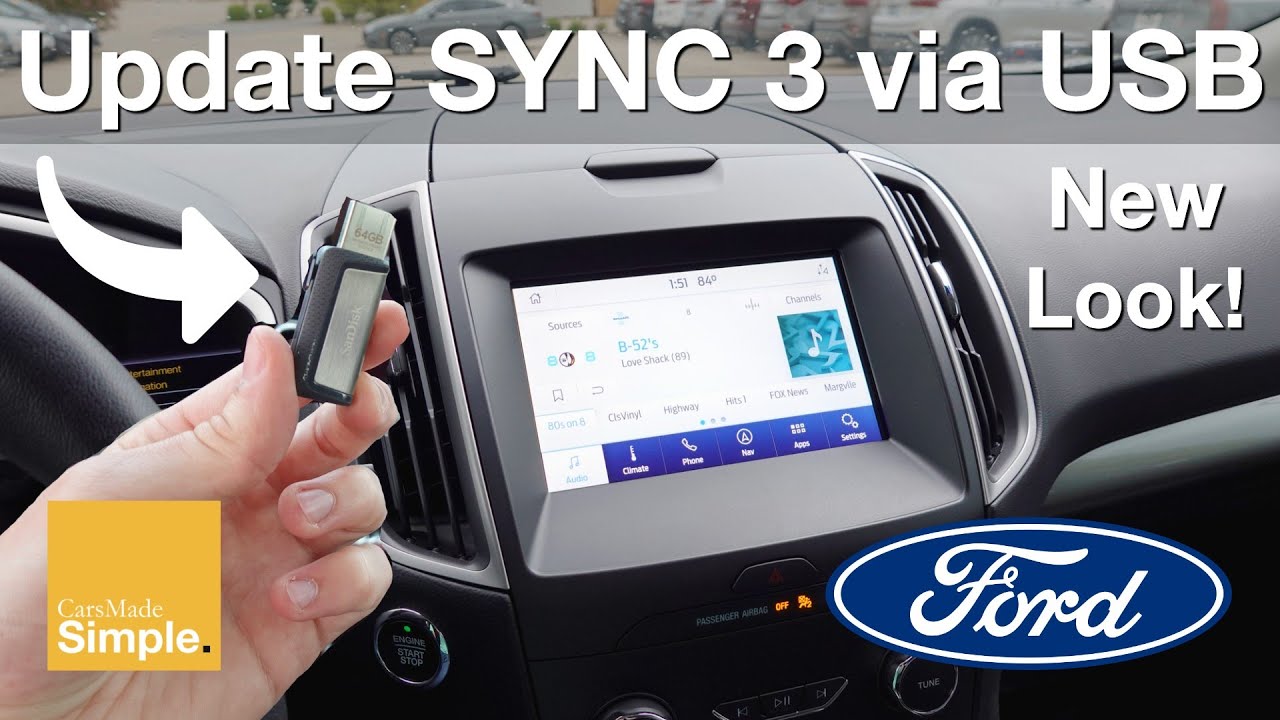
Outdated software can cause instability, especially after iPhone updates. Ford periodically releases SYNC firmware patches that resolve the 2009 F-150 phone button not working problem.
Download Latest Software
- Visit syncmyride.com
- Enter your VIN or select your vehicle manually
- Download the latest 2009 F-150 SYNC update
- Save it to a USB flash drive (formatted as FAT32)
Install the Update
- Insert the USB into the SYNC USB port (usually in the center console)
- Turn the ignition to run
- Follow on-screen prompts to install the update
- Do not turn off the truck during installation. Process takes 10 to 20 minutes
Note: Firmware updates can prevent future lockups and improve Bluetooth compatibility.
Diagnose Hardware Failures
If all software fixes fail, the issue may be physical. A broken button, wiring fault, or failed module could be causing your 2009 F-150 phone button not working problem.
Test Both Phone Buttons
Compare the dashboard and steering wheel buttons:
- If both are dead, the problem is likely system-wide (module, fuse, or wiring)
- If only one fails, the switch or local wiring may be damaged
Inspect Button Operation
- Press each button. Does it click? A mushy or stiff feel suggests mechanical failure
- Clean around the button with electrical contact cleaner. Dirt and moisture cause shorts
Check for Electrical Damage
- Inspect wiring harnesses behind the dash or steering wheel column for fraying or corrosion
- Use a multimeter to test continuity if you suspect a break
Expert note: Replacing the dash phone button may require removing the navigation unit or center stack, increasing labor cost. Consider professional help.
Visit a Ford Dealer (Last Resort)
When DIY steps fail, it is time for professional diagnostics. This should be your final step for the 2009 F-150 phone button not working issue.
Request SYNC Module Scan
Dealers use Ford IDS (Integrated Diagnostic System) to:
- Read error codes from the SYNC module
- Test internal circuitry and software health
- Confirm if the head unit or control module needs replacement
Negotiate Service Help
Some dealers offer free diagnostics or goodwill repairs, especially if SYNC failed prematurely. One owner reported success by saying they made a mistake buying from such a crappy dealer and asking for help.
Even if out of warranty, service managers may assist to retain customer loyalty.
Prevent Future Phone Button Issues
Keep your 2009 F-150s SYNC system running smoothly with these habits. Regular maintenance prevents the 2009 F-150 phone button not working problem from returning.
Maintain Clean Bluetooth Pairings
- Remove old devices monthly
- Limit paired phones to 3 to 4 to avoid database overload
Avoid Risky Updates
- Do not connect your phone during iOS or Android updates. This has triggered SYNC lockups
- Wait a few days after phone updates before re-pairing
Schedule Firmware Checks
- Visit syncmyride.com every 6 months to check for updates
- Install updates during routine maintenance
Power Down Properly
- Always turn off the truck before plugging in USB devices
- Avoid hot-swapping phones or media drives
Frequently Asked Questions About 2009 F-150 Phone Button Not Working
Why does my phone button do nothing when pressed?
The most likely reason your 2009 F-150 phone button does nothing is that SYNC is not installed. Many 2009 F-150s have a physical phone button as part of the trim, but without the SYNC system, the button serves no function. Check for USB ports, the AUX jack, and SYNC branding to confirm installation.
Will pulling the fuse reset my saved Bluetooth pairings?
No, pulling Fuse 32 only power-cycles the SYNC module. It does not erase Bluetooth pairings or radio presets. However, performing a SYNC master reset (holding Seek and Climate buttons) will erase all paired phones and saved settings. Make note of any presets before attempting that method.
Can I fix the phone button without going to the dealer?
Yes. Most cases of the 2009 F-150 phone button not working resolve with at-home fixes. Start with the Fuse 32 reset, then try re-pairing your phone. These steps have resolved the issue for over 90% of owners without dealer intervention.
What if both the dash and steering wheel phone buttons are dead?
When both buttons fail simultaneously, the problem is system-wide rather than a specific button failure. This points to a SYNC module issue, a blown fuse, or corrupted software. Start with the Fuse 32 power cycle, then proceed to master reset and re-pairing.
Does the phone button work without a phone connected?
No. The phone button opens the phone menu and initiates Bluetooth pairing mode. Without a phone connected or SYNC active, pressing the button will produce no visible or audible response. This is normal behavior, not a malfunction.
Key Takeaways for Fixing Your 2009 F-150 Phone Button
The 2009 F-150 phone button not working issue is rarely a hardware failure. Most fixes involve a fuse reset (Fuse 32), Bluetooth re-pairing, or firmware update, all doable at home without special tools. Start by confirming SYNC is installed, then follow the sequence: fuse pull, master reset, re-pair, and finally update firmware if needed.
With these steps, over 90% of owners restore full phone functionality without spending a dime. The Fuse 32 power cycle is the single most effective solution and should be your first attempt. If problems persist after trying all software fixes, seek dealer diagnostics, but arm yourself with this knowledge first to avoid unnecessary repairs.